Mapbox
Get started with Mapbox
Installation
frend add MapboxUsage
import {  MapboxMarkerPopup,  MapboxMarkerRoot,  MapboxMarkerTrigger,  MapboxRoot,} from "@/components/ui/Mapbox";import styles from "./page.module.css";
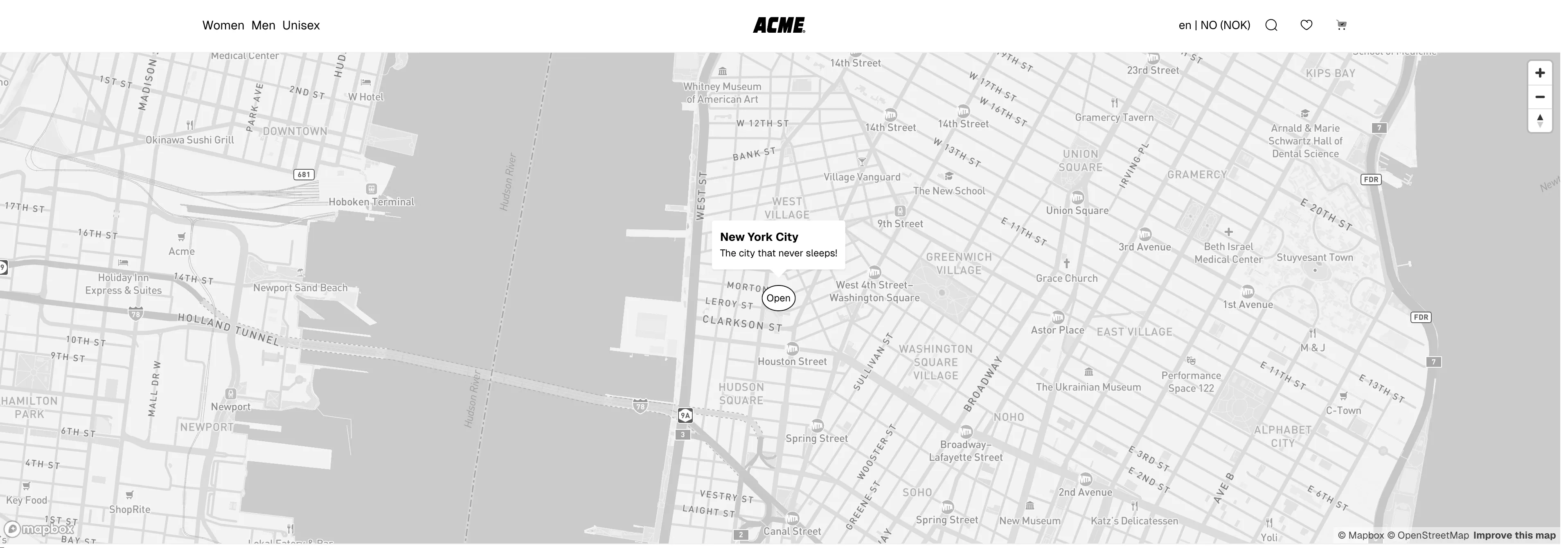
export const MapComponent = () => {  return (    <MapboxRoot      accessToken={MAPBOX_ACCESS_TOKEN}      styleUrl={MAPBOX_STYLE_URL}      center={[-74.006, 40.73061]}      zoom={9}    >      <MapboxMarkerRoot coordinates={[-74.006, 40.73061]}>        <MapboxMarkerTrigger>          <button className={styles.trigger}>Open</button>        </MapboxMarkerTrigger>        <MapboxMarkerPopup>          <div className={styles.popup}>            <h3>New York City</h3>            <p>The city that never sleeps!</p>          </div>        </MapboxMarkerPopup>      </MapboxMarkerRoot>    </MapboxRoot>  );};
.popup { padding: 10px; border-radius: 5px;}
.trigger { padding: 5px; border: 1px solid black; background-color: black; color: white; border-radius: 50%;
&[data-open="true"] { background-color: white; color: black; }}Screenshots